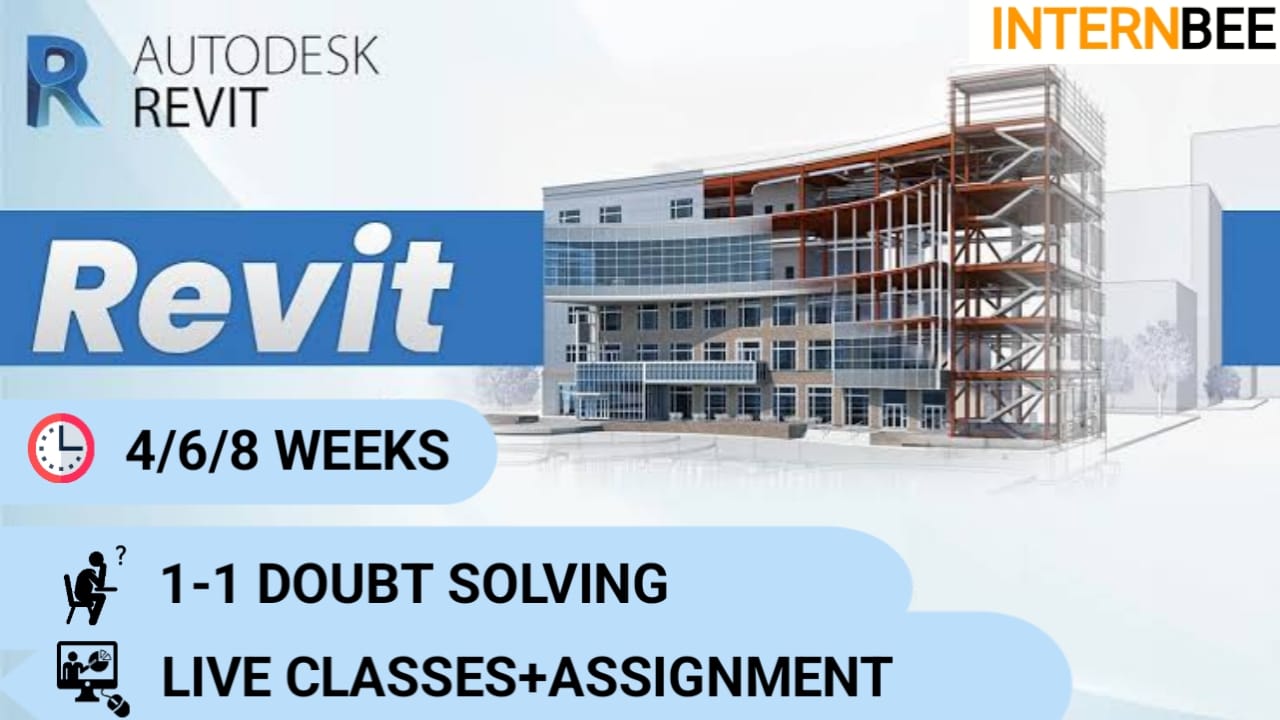
REVIT

Card image cap

course: REVIT

Language:- English , Hindi

₹ 1,999


Student Registration


Already registered?

Login


Forgot password?


Course Highlights

Learn online

Mobile friendly

Certificate of training


Placement assistance

1 project & 5 assignments

Doubt clearing


Beginner friendly

4/6/8 weeks duration

Downloadable content


Revit Course Syllabus

This syllabus aims to cover a comprehensive range of Revit functionalities and applications in the field of architecture, engineering, and construction. The depth and coverage of each module may vary based on the course duration and the audience's proficiency level. Hands-on projects, practical exercises, and workshops are usually included to reinforce theoretical knowledge with practical application.

Module 1: Introduction to Revit

  • Overview of Building Information Modeling (BIM) and its significance
  • Introduction to Revit software and its applications in architecture, engineering, and construction (AEC)
  • Understanding the Revit interface and workspace

Module 2: Basic Tools and Navigation

  • Navigating the Revit environment: views, panels, and menus
  • Using basic tools: walls, doors, windows, and components
  • Understanding the Revit project structure: levels, grids, and families

Module 3: Creating and Editing Elements

  • Creating and modifying walls, floors, roofs, and ceilings
  • Working with curtain walls and structural elements
  • Editing elements: trim, extend, align, and join tools

Module 4: Annotation and Detailing

  • Adding annotations: dimensions, text, and tags
  • Creating schedules and legends
  • Detailing tools and techniques in Revit

Module 5: Advanced Modeling Techniques

  • Parametric modeling and families creation
  • Conceptual massing and adaptive components
  • Detail components and component families

Module 6: Collaboration and Documentation

  • Collaborating in a multi-user environment using Worksharing
  • Managing revisions and version control
  • Creating construction documentation: sheets, views, and printing

Module 7: Structural Design and Analysis

  • Introduction to structural elements in Revit
  • Structural analysis workflows and tools
  • Linking structural models and coordination

Module 8: MEP (Mechanical, Electrical, Plumbing) Systems in Revit

  • Basics of MEP design and systems
  • Creating and modeling mechanical, electrical, and plumbing systems
  • Coordination between architectural and MEP models

Module 9: Visualization and Rendering

  • Applying materials, textures, and finishes
  • Rendering techniques and producing realistic visuals
  • Utilizing lighting and camera views for visualization

Module 10: Project-Based Learning

  • Applying Revit skills to real-world projects
  • Building small to medium-scale projects
  • Problem-solving and troubleshooting in project scenarios


Meet Our Expert Team

Whatsapp